
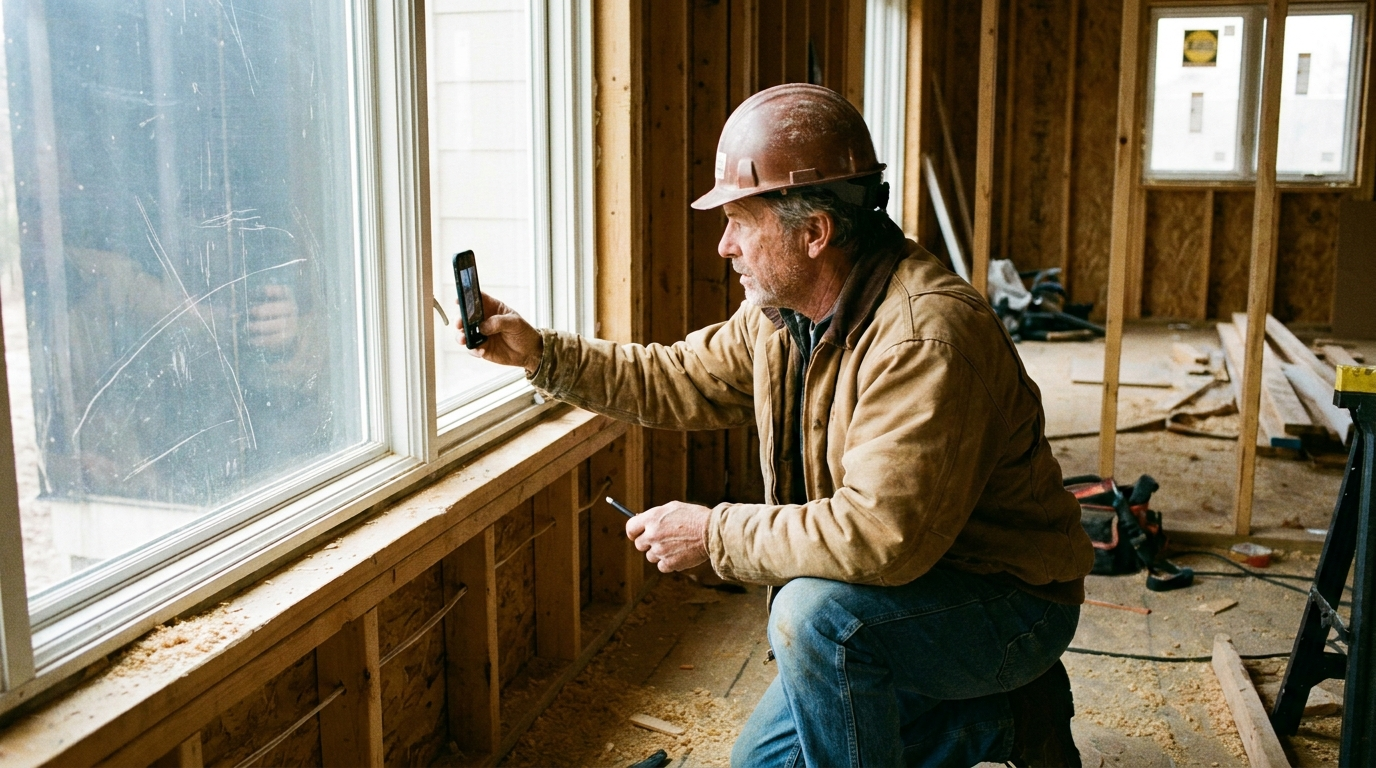
A punch list buried in a text thread is a punch list that gets ignored. "Fix the trim by the window" means three different things to three different subs. The fix is to stop describing items and start pinning them.
Pin the item to the exact spot
Take a photo of the area, drop a pin on the precise spot that needs work, and label it. Now there's no ambiguity about which window, which corner, or which run of trim. The sub sees exactly what you see.
This works for the whole lifecycle of a job:
- Punch-list items by room or area
- Defects and rework
- Progress at each phase
- Pre-existing conditions before you start
- Safety or code issues to flag
Document before you start
The cheapest insurance on any job is a set of pinned photos of pre-existing conditions before your crew touches anything. When a homeowner claims you cracked the driveway, a time-stamped pin from day one ends the conversation.
Cut down on site walks
A pinned report lets a sub act on a punch list remotely. Instead of meeting on site to point at things, you share a link and they see every item mapped to its location. That's hours back in your week.
Keep clients in the loop
A clean progress report, pinned photos showing exactly where the project stands, keeps clients confident and reduces the "what's happening this week?" calls. Share a read-only link and let the work speak for itself.
Punch lists that are pinned, labeled, and shared simply don't get lost the way a text thread does. See how it fits a GC workflow in Elevations for General Contracting, and for protecting yourself on disputes, read Document Pre-Existing Conditions.